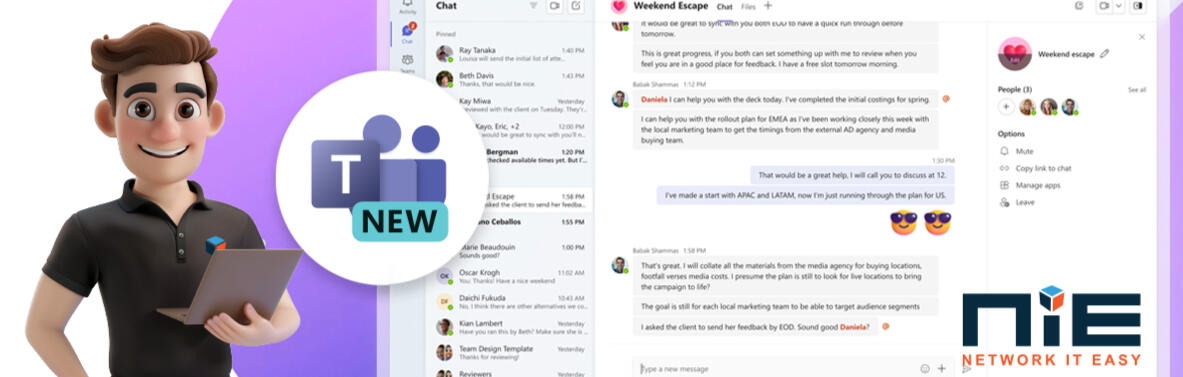
Starting on July 1, 2024, Microsoft is retiring Classic Teams and will be requiring you to use New Teams.
What Does This Mean for Your Organization?While New Teams will feel familiar, there are several updates to the user interface and some workflows. We strongly recommend opting in and starting to use New Teams as soon as possible to understand these changes and how they will impact your daily tasks. This proactive approach will help ensure a smooth transition and allow you to take full advantage of the new features and enhancements.
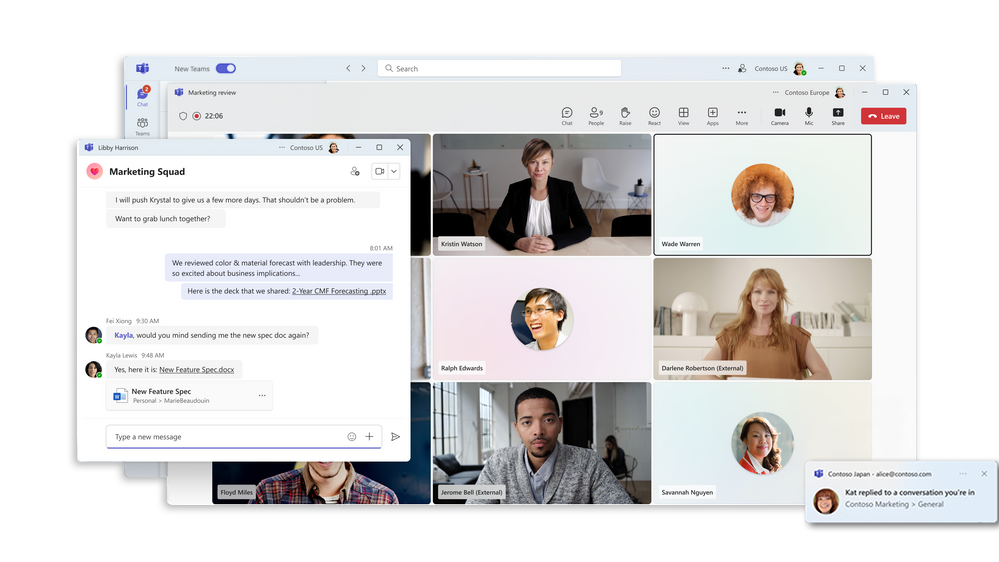
Enhanced Performance and Flexibility: The new Teams has been redesigned from the ground up to be faster, simpler, and use less system memory. This ensures quicker navigation and responsiveness, making our everyday tasks more efficient. New Teams launch time is 50% faster than Classic Teams.Multi-account and Multi-tenant Support: Easily manage multiple accounts without the need for signing out, enhancing our ability to collaborate across different organizational boundaries.Improved Meeting Features: Experience enhanced capabilities in meetings such as 7x7 video, breakout rooms, and advanced PowerPoint Live features, ensuring a richer interactive experience.Virtual Appointments Insight: This feature offers analytics for virtual appointments, providing information such as average lobby wait times and details on appointments that started or ended late.User Experience Improvements: With a focus on reducing the number of clicks required for common tasks, New Teams offers a more intuitive user interface that simplifies access to notifications, chats, meetings, and files.Enhanced Collaboration Tools: The introduction of the People app replaces the classic Contacts and supports seamless management of contacts directly within Teams. Additionally, the new channels experience has been enhanced to improve conversation views and search functionalities.Accessibility and Notifications: Settings and notifications are now more integrated within the Teams environment, making it easier to manage preferences directly from the app settings.

Switching to New Teams
To start using the New Teams, simply activate the "Try the new Teams" toggle in the upper-left corner of your classic Teams app. This will initiate the installation of the new version. If you do not see this option inside of your teams, you may already be in New Teams. If your Teams logo in the upper left has a NEW badge, you’re on the new version. The transition to new teams will be forced on you starting on July 1, 2024, and we highly recommend that you switch and verify new teams is working correctly for you before you’re unable to use old teams.
Video Overview
If you'd like to see a visual review of the new Teams, please watch this video.